This chapter is about “your own account” — the personal settings that are separate from each memorial space.
7-1 Editing Your Profile
You can edit your own personal details, such as your name.
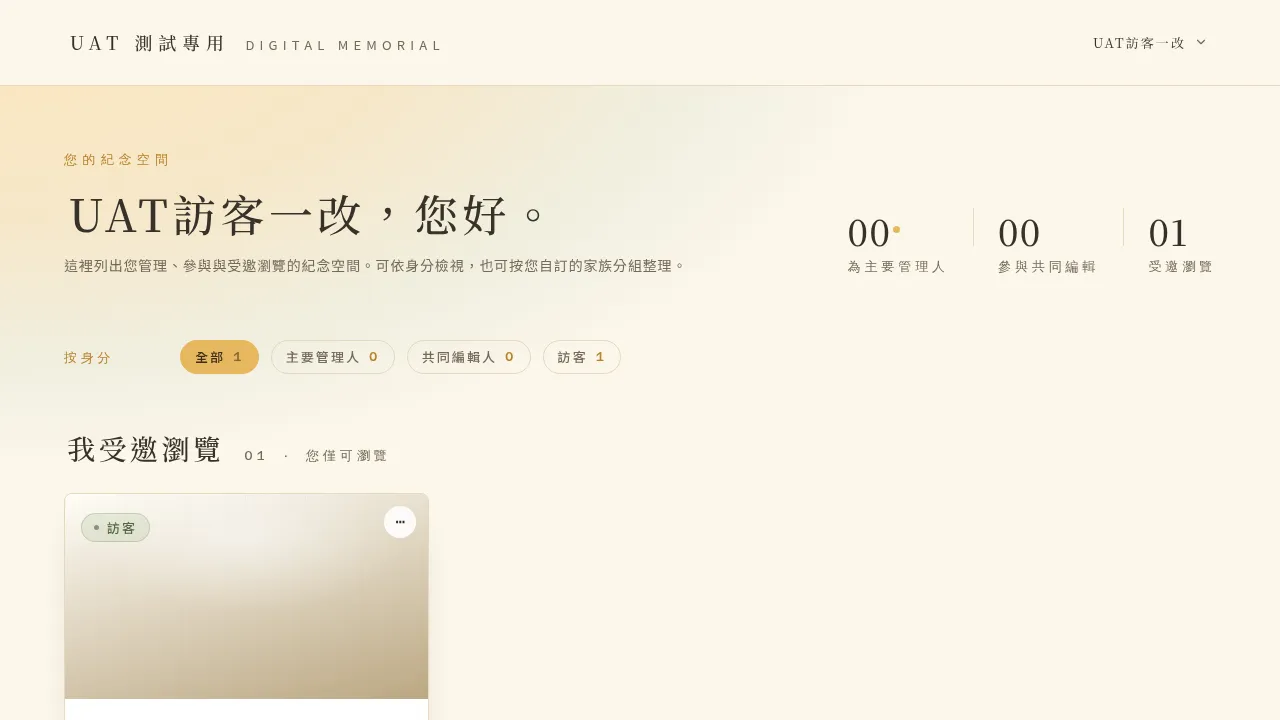 Figure 7-1 Editing your personal name in account settings.
💡 Email is read-only: the account’s login email cannot be changed (the field is grayed out and non-editable). If you truly need to change the email, please contact your Account Manager for help. This version also does not yet provide a feature to upload a profile photo.
7-2 Changing Your Password (You Stay Logged In)
You can reset your password directly in account settings. After a successful reset, this device stays logged in and you do not need to log in again; the screen prompts “password updated, this device stays logged in.”
If you forget your password and cannot log in, you can go through the “forgot password” flow on the login page: enter your email → receive a 6-digit verification code → set a new password, and you are logged in automatically once done.
7-3 Deleting Your Account (Transfer the Primary Manager Role First)
If you decide to delete your entire account, the system first performs an important safeguard: if you are still the Primary Manager of any memorial space, you must first transfer the Primary Manager role of those spaces out before you can delete your account.
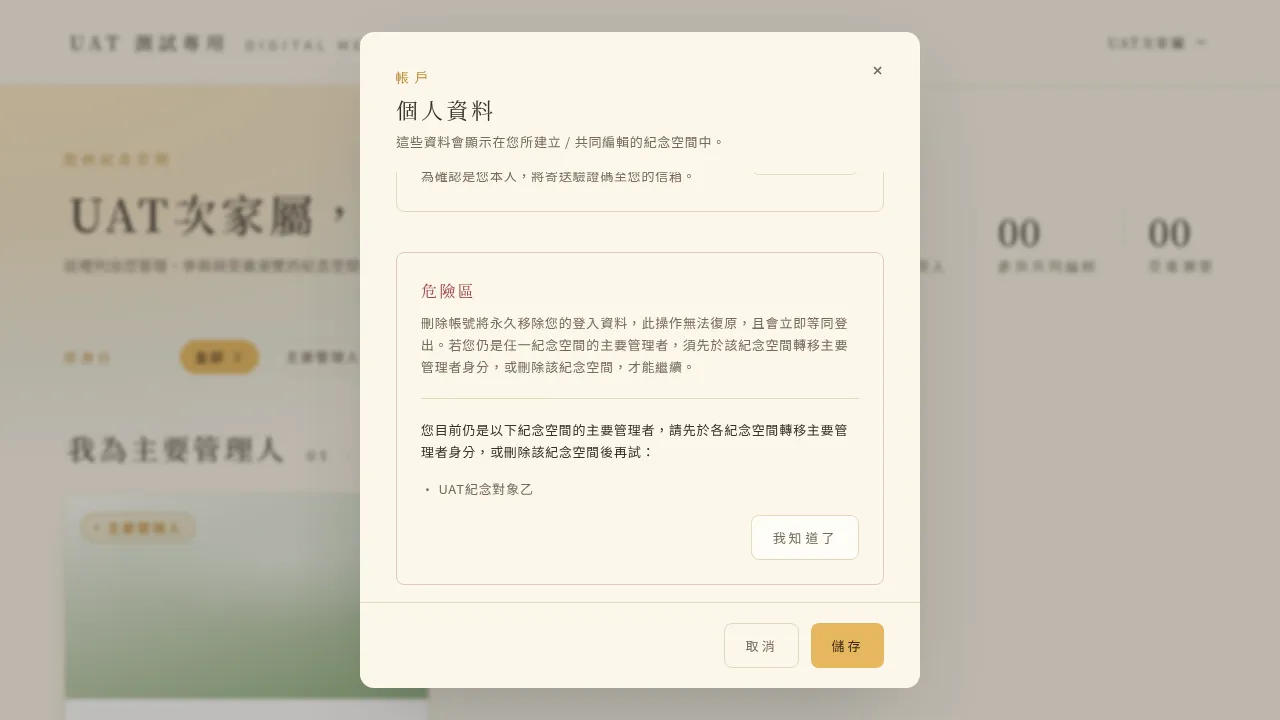 Figure 7-2 When you are still the Primary Manager of some memorial spaces, deletion is blocked, and those spaces are listed.
After all transfers are complete, deleting the account asks you to type a manual confirmation before it truly runs.
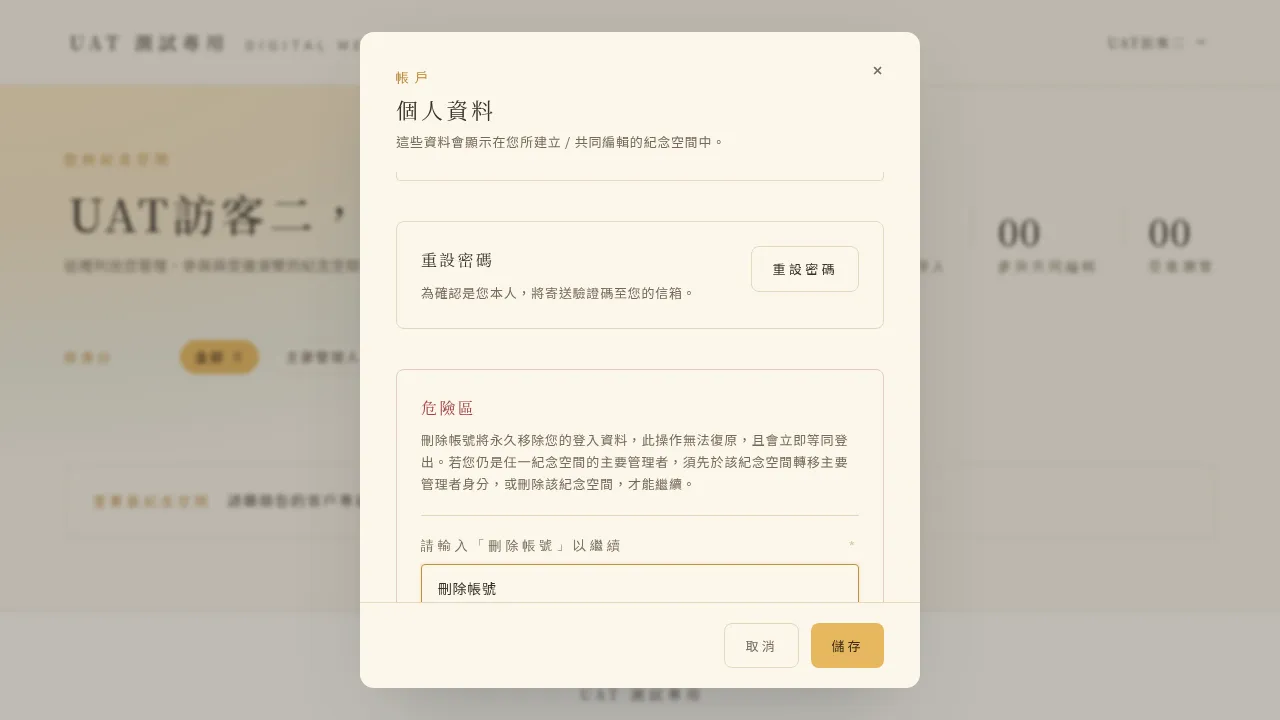 Figure 7-3 Deleting an account requires typing a manual confirmation first.
💡 Tips for this chapter
- Deleting your account removes all of your memberships and permanently deletes the account, with no grace period. After deletion, you cannot log in with the original account.
- Please be sure, before deleting, to properly arrange each memorial space you manage (transferring them to a suitable family member). This is to ensure those precious memorial spaces are not left without a manager.